Catalog
The catalog holds what you sell. Picking an item on a quote or invoice line fills in its description, price and tax. The values are copied, so editing the item later doesn't change quotes and invoices you've already made.
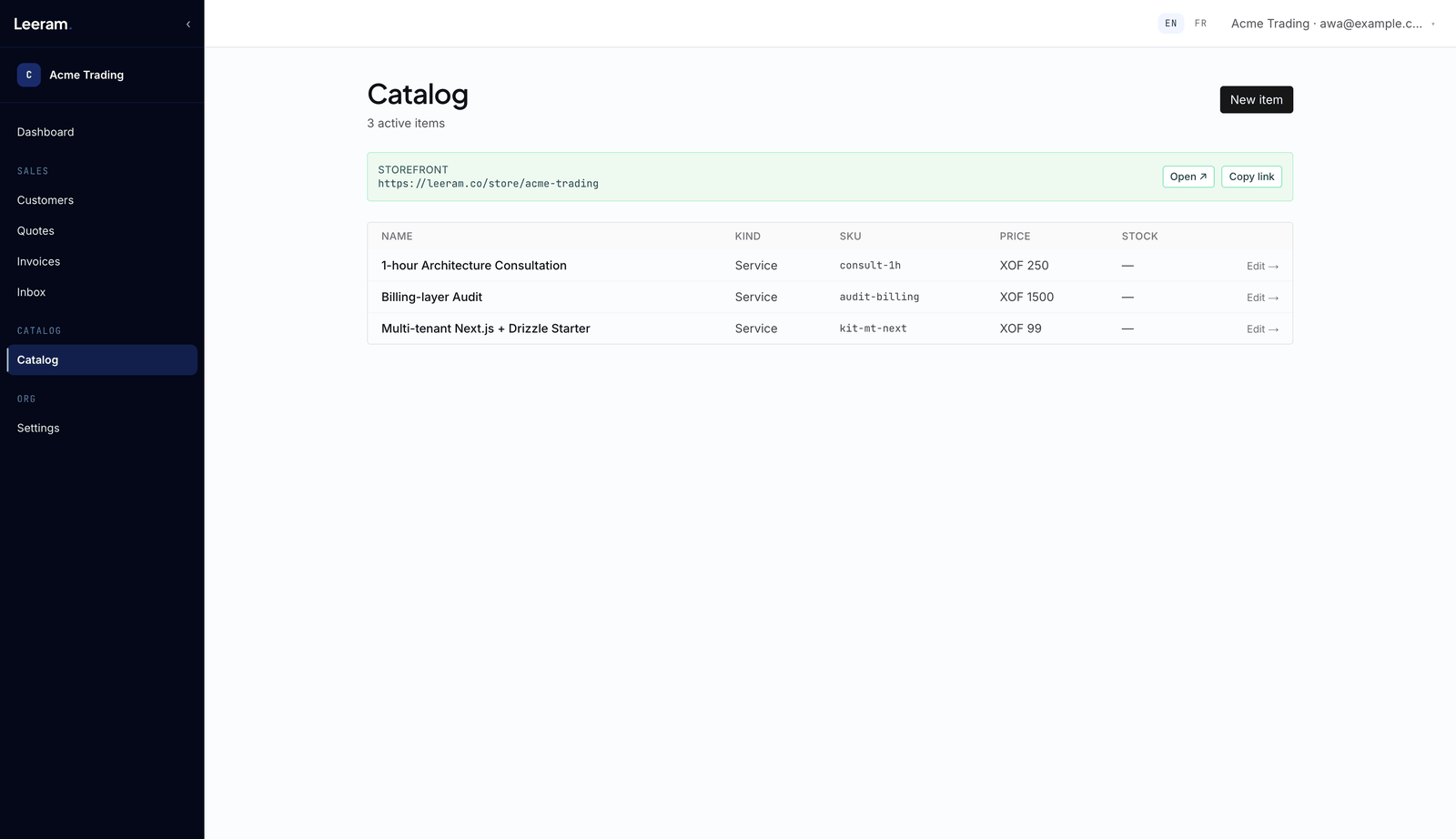
Add an item
Go to Catalog and choose New item:
- Name — required.
- Kind — Service or Good.
- SKU — optional, and unique within your catalog.
- Description.
- Price — in your default currency, for example
12.50. - Tax % — leave it blank to use your default tax rate.
- Stock — leave it blank if you don't track stock.
0means you track it and have none left. - Photo — upload an image, or paste an
https://link to one. - Tags — separated by commas.
Then choose Create item.
Archive an item
Open the item and choose Archive item. It leaves your active catalog and your store; quotes, invoices and orders that used it stay as they are. Items can't be deleted.
On your store
Once your store is public, every active item appears on it, and items with no stock left show Out of stock. The top of the Catalog page shows whether your store is live — see Your store.
Plan limit
Your plan may cap how many items you can have. At the cap, the new-item form is replaced by a message showing your count. Upgrade your plan to add more.