Settings
Only your organization's owner sees Settings. It has six tabs.
Defaults
- Default currency — used for new quotes and invoices, your catalog prices, your store and your dashboard. Set it before anything else.
- Default tax rate — a percentage, used on every line whose Tax % is left blank.
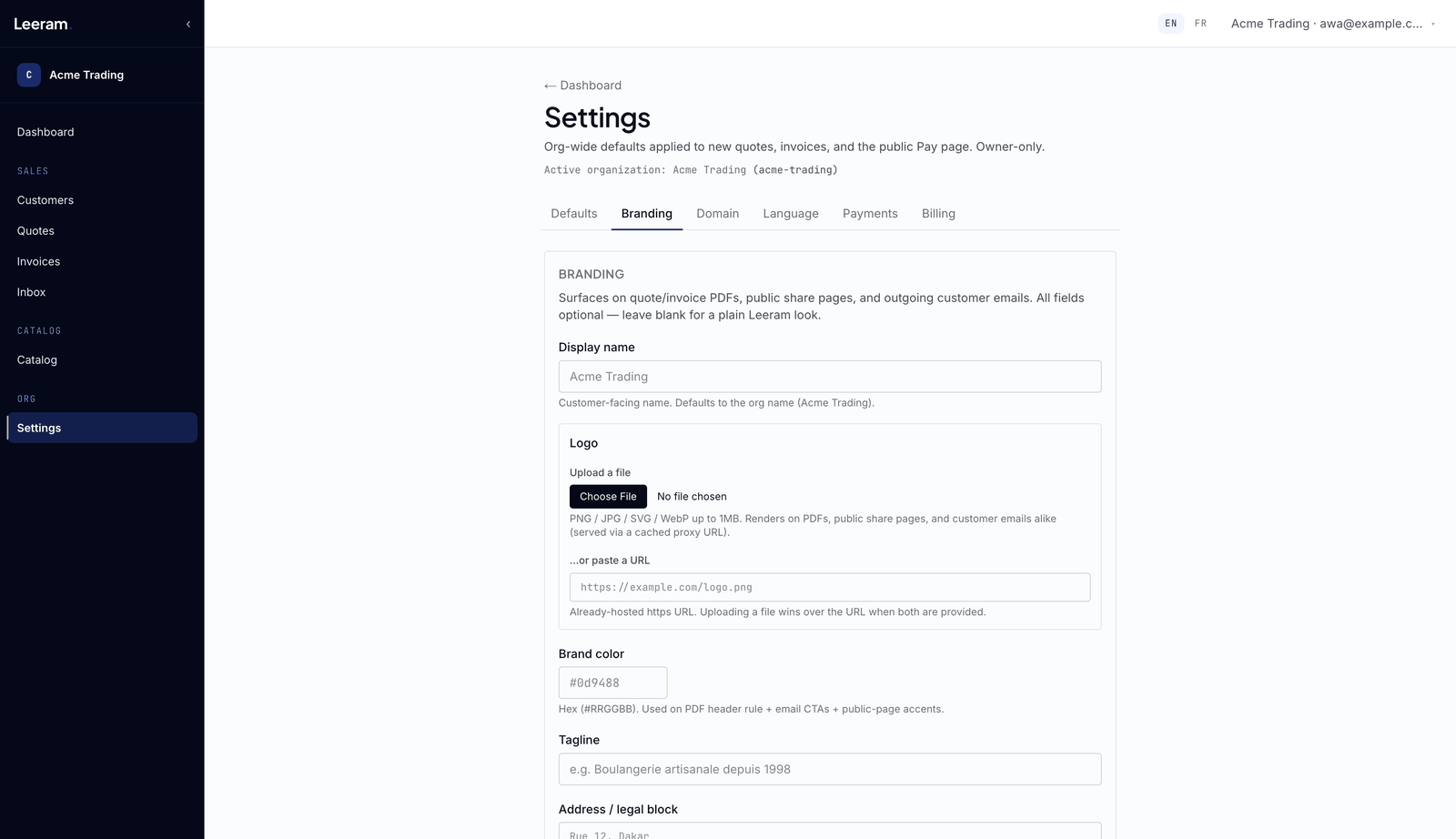
Branding
How your business looks on quote and invoice PDFs, on the pages your customers open, in emails and on your store:
- Display name, Logo, Brand color and Tagline.
- Address / legal block — at the foot of your PDFs and in your store's About section.
- Business category — needed to publish your store.
- City — the only required field. It puts you on the store map and decides when you show as open. If your city isn't listed, ask for it to be added.
- Website and Opening hours.
Some options, such as your own store footer, depend on your plan.
Domain
Give your business its own address, for your store, for the emails you send, or both:
- Free subdomain — no DNS work needed.
- Custom domain — a domain you own. You'll need access to its DNS settings.
Choose what the domain is for — Branded email, Public storefront, or both — and choose Register domain. If the page then lists DNS records, add them at your DNS provider and verify. Remove takes the domain away: your store stops answering at it, and email goes out from the platform's address again.
Which of these you can use depends on your plan.
Language
Display language — Auto, English or Français — sets the language for your business. Each person can still switch their own language from the top of any page.
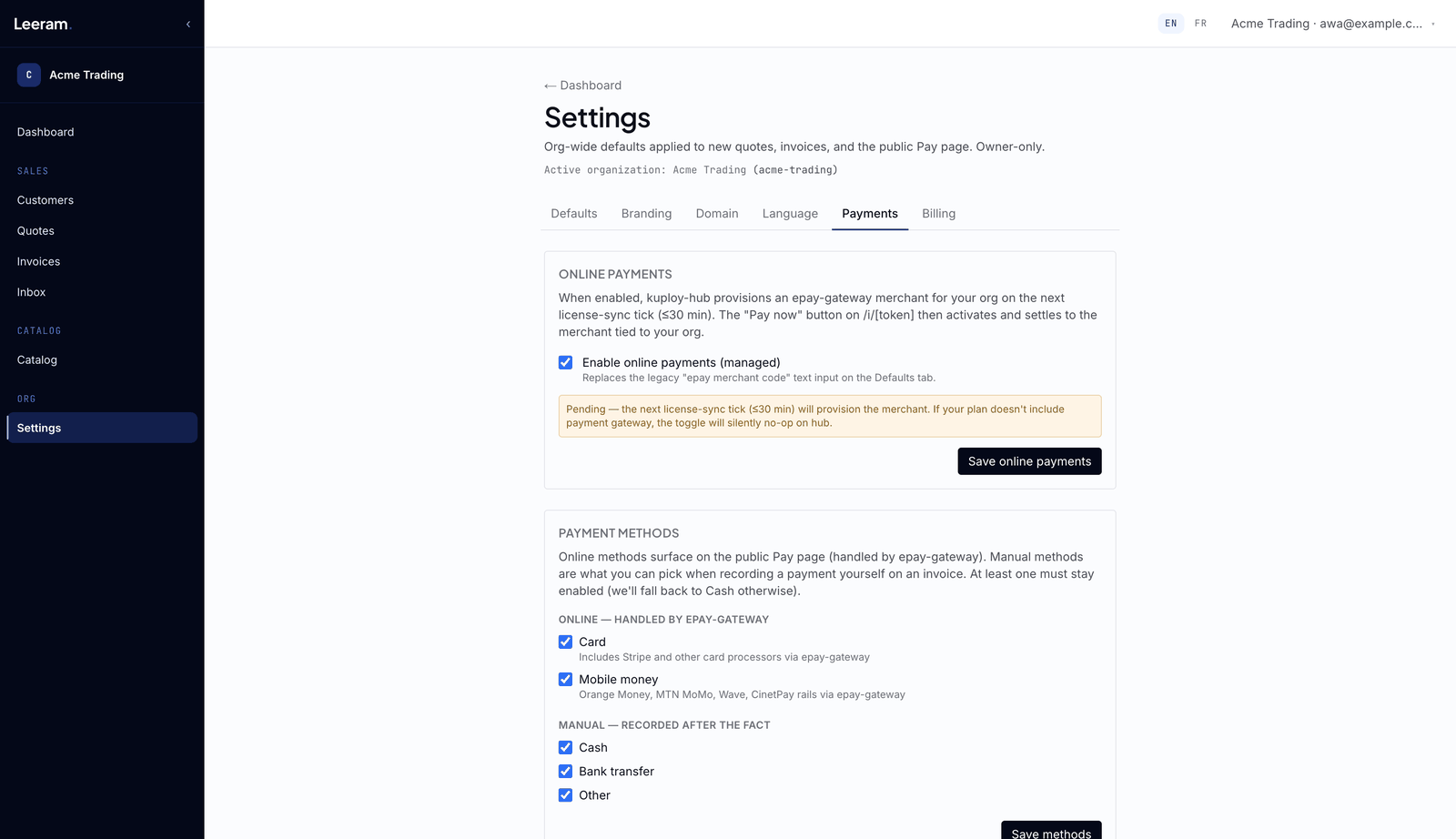
Payments
Tick Enable online payments and save. Within about 30 minutes your business is connected to a payment account, the page shows Provisioned, and Pay now appears on your invoices. If your plan doesn't include online payments, nothing changes. Untick it to stop taking payments online straight away.
Billing
Shows your plan, its status, and when it renews or ends.
- Compare plans → opens the pricing page, where the owner can subscribe to a paid plan.
- Cancel at period end keeps your plan until the end of the period you've paid for. Reactivate subscription undoes that.
If the platform manages your plan for you, contact them to change it.