Customers and inbox
Customers
Go to Customers and choose New customer. Only Name is required. You can also add:
- Email — where quotes and invoices are sent.
- Mobile phone — filled in for your customer on their invoice's payment form.
- VAT / tax ID.
- Billing address and Shipping address. The country is a two-letter code, such as
SNorFR. - Tags and Internal notes.
Then choose Create customer.
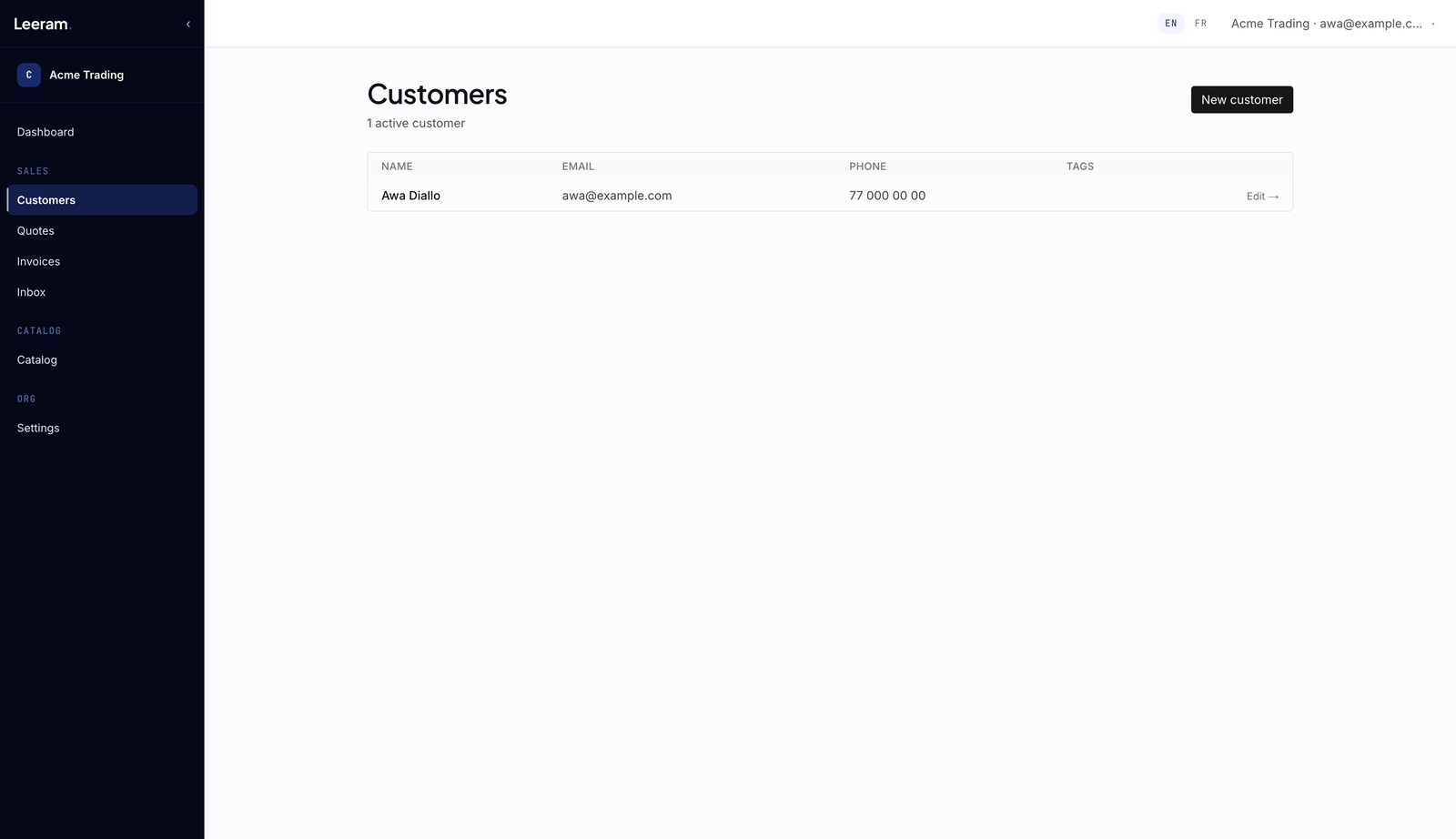
People who order from your store are added to your customers for you, matched by their email.
To take a customer off your lists, open them and choose Archive customer. Their quotes and invoices stay intact. Customers can't be deleted.
Your plan may cap how many customers you can have. At the cap, the form tells you so.
Inbox
Inbox collects the messages people send from your store's contact form. Each one shows the sender's name, email, phone number if they gave one, and their message. Reply to them by email.
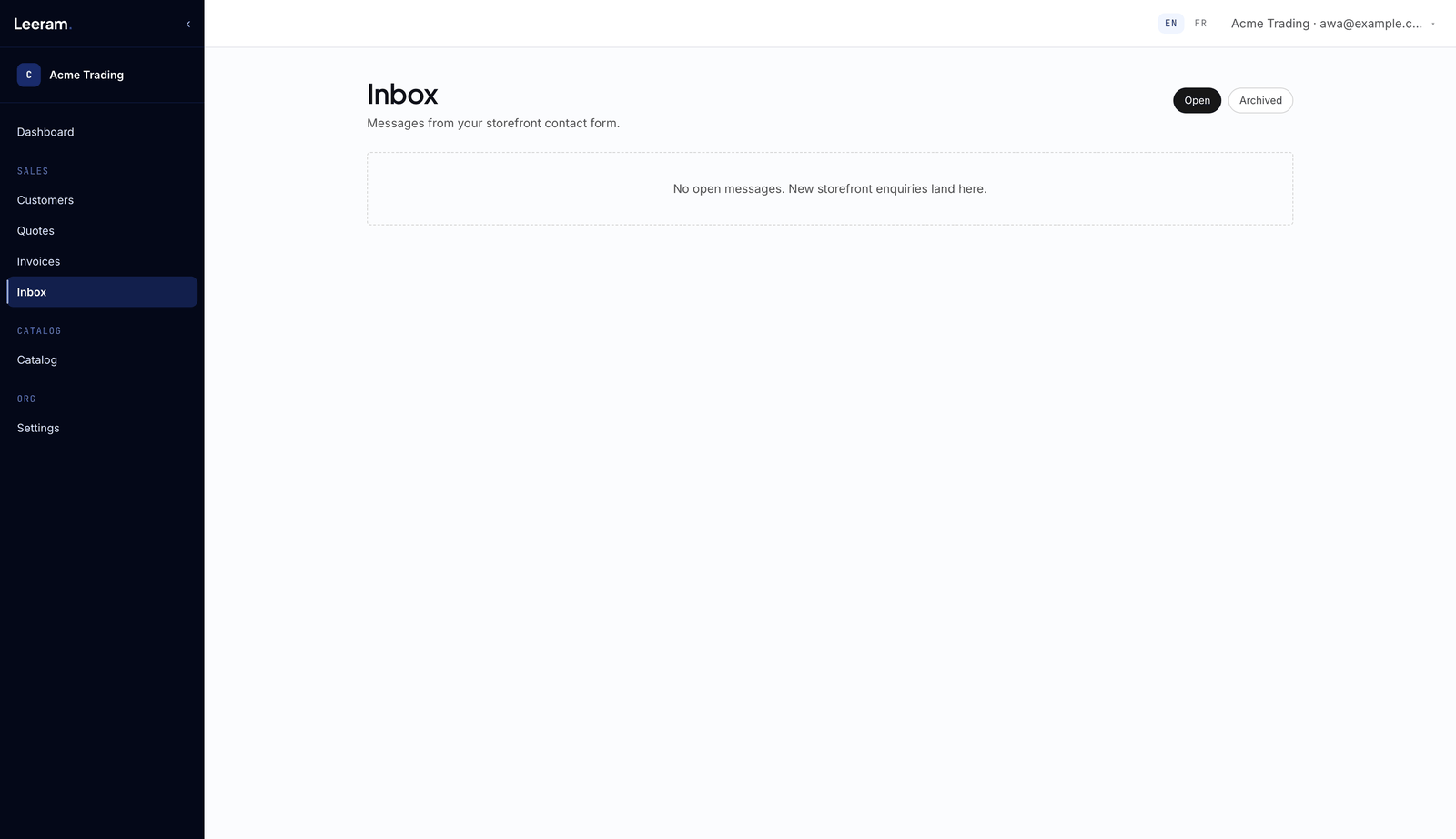
When you've dealt with a message, choose Mark handled to move it to Archived. Restore brings it back. Only the owner can do either.
A message stays a message: nothing turns it into a customer or a quote for you.